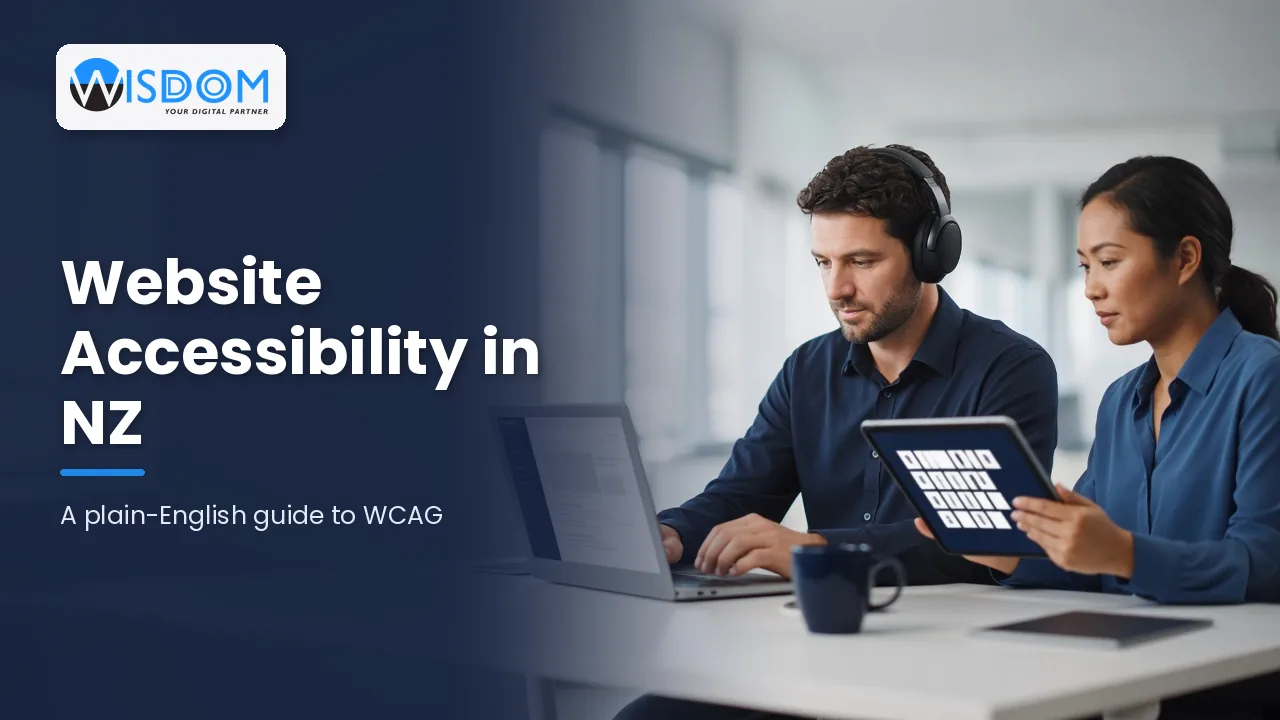
If someone can’t use your website, they can’t buy from you, book with you or apply to work for you. Website accessibility is about making sure people with disabilities, older users and anyone on a small screen or a slow connection can read, navigate and complete tasks on your site. In New Zealand the most common benchmark is the Web Content Accessibility Guidelines, known as WCAG, and understanding it is easier than the jargon suggests.
This guide explains what WCAG actually asks for, who it applies to in NZ, the most common problems we see on business websites, and a practical way to improve accessibility without rebuilding everything from scratch.
What website accessibility means in practice
Accessibility is not a special version of your site for a small group of people. It is a set of design and build habits that make the same site work for more people. Think of a customer who is blind and uses a screen reader, a tradesperson checking your site on a phone in bright sunlight, someone with a tremor who struggles to click tiny buttons, or an older visitor who zooms text to 200 per cent. Good accessibility helps all of them at once.
A useful way to think about it is that every person should be able to:
- Perceive your content, whether they see it, hear it or read it through assistive technology.
- Operate your site, including with only a keyboard or voice control.
- Understand your content and forms without guesswork.
- Rely on your site working with current browsers and assistive tools.
Those four ideas, often shortened to POUR, are the foundation of WCAG.
WCAG in plain English
WCAG is published by the World Wide Web Consortium (W3C). It is organised into principles, guidelines and testable “success criteria”. Each criterion has a level:
- Level A: the essential basics. If these fail, some people simply cannot use the page.
- Level AA: the practical standard most organisations aim for. It covers things like colour contrast, resizable text and clear focus indicators.
- Level AAA: the highest level. It is rarely required across a whole site because some criteria are not achievable for all content.
The current version is WCAG 2.2, which added criteria around focus visibility, target sizes for buttons and links, and making logins and repeated form entry less demanding. If your site was checked against WCAG 2.0 or 2.1 a few years ago, it is worth reviewing the newer criteria.
Common WCAG requirements, translated
| Requirement | What it means for your site |
|---|---|
| Text alternatives | Meaningful images have alt text that describes their purpose; decorative images are hidden from screen readers. |
| Colour contrast | Normal text has a contrast ratio of at least 4.5:1 against its background at Level AA. |
| Keyboard access | Every menu, button, form and pop-up can be used with the Tab, Enter and arrow keys. |
| Visible focus | People navigating by keyboard can always see where they are on the page. |
| Captions and transcripts | Videos have captions; audio content has a transcript. |
| Clear forms | Fields have proper labels, errors are explained in words, and required fields are obvious. |
| Resizable content | Pages still work when text is zoomed or the screen is narrow, without sideways scrolling. |
Who needs to meet accessibility standards in New Zealand?
Government agencies in NZ are expected to meet the NZ Government Web Accessibility Standard, which is based on WCAG. Organisations that build websites or services for government, councils, schools or health providers often find accessibility written into their contracts as well.
For private businesses, the picture is less prescriptive, but accessibility still matters. The Human Rights Act 1993 makes it unlawful to discriminate on the grounds of disability when providing goods and services, and an inaccessible website can make it harder for some customers to deal with you. There is also an ongoing public conversation in NZ about stronger accessibility legislation. We are not lawyers, so if you have a specific compliance question, it is worth getting legal advice. From a commercial point of view, though, the case is simple: more people can use your site, and you are better prepared for tenders and partnerships that ask about accessibility.
The business benefits beyond compliance
- Larger audience: many New Zealanders live with some form of disability, and an ageing population means more people use zoom, larger text and assistive tools.
- Better SEO: clear headings, descriptive link text, alt text and captions also help search engines understand your content.
- Higher conversions: clear forms and readable buttons reduce drop-off for everyone, not just users with disabilities.
- Stronger reputation: customers and staff notice when a brand makes the effort to include them.
The most common accessibility problems on business websites
When we review NZ business websites, the same issues come up again and again. The good news is that most are fixable without a full redesign.
Low-contrast text and buttons
Light grey text on white, white text over busy photos and pale brand colours on buttons are some of the most frequent failures. A contrast checker will tell you quickly whether your colours pass, and small adjustments to shade often fix the problem while keeping the brand intact.
Missing or unhelpful alt text
Images with no alt text, or alt text such as “IMG_4821” or “image”, leave screen reader users guessing. Product photos, diagrams and images that act as links need descriptions that explain their purpose.
Menus and pop-ups that trap the keyboard
Mega menus, cookie banners, chat widgets and modal windows are often built for the mouse. If a keyboard user can open a pop-up but not close it, or can’t reach the menu at all, the site is effectively broken for them.
Forms without proper labels
Placeholder text that disappears as you type, error messages shown only in red, and CAPTCHAs without an alternative all create barriers. Contact, quote and checkout forms are where accessibility issues cost the most money.
Video without captions
Auto-generated captions are a starting point, but they often mangle names, te reo Māori place names and technical terms. Reviewing and correcting captions is a small task with a big impact.
How to improve website accessibility step by step
You do not need to fix everything at once. A staged approach keeps the cost manageable and delivers improvements quickly.
1. Run a quick baseline check
Free automated tools such as WAVE, Lighthouse or axe browser extensions can flag obvious issues like missing alt text, contrast failures and empty links. Automated tools typically catch only part of the picture, so treat the results as a starting list rather than a pass mark.
2. Test with a keyboard and a screen reader
Put the mouse aside and try to use your key pages with the Tab key. Then try a free screen reader such as NVDA on Windows or VoiceOver on Mac and iPhone. Ten minutes of this kind of testing usually reveals the problems that matter most.
3. Prioritise your money pages
Start with the pages where people take action: home, services, contact, booking, quote request and checkout. Fixing these first protects revenue and gives you the biggest return on effort.
4. Fix the design system, not just pages
If your buttons, colours and form components are defined once in your theme or component library, fixing them there improves every page that uses them. This is where working with an experienced web development team pays off, because the fixes are made at the source rather than patched page by page.
5. Build accessibility into content habits
Accessibility drifts when new content is added without care. Give your content editors a short checklist: write alt text, use headings in order, write descriptive link text instead of “click here”, and caption every new video.
What does accessibility work typically cost?
Costs vary widely depending on the size of the site, how it was built and how many issues there are. As a typical guide, a review of a small brochure site with a list of prioritised fixes is a modest project, while remediating a large eCommerce site or a custom web application with complex forms is a bigger piece of work. Building accessibility into a new site from the start is almost always cheaper than retrofitting it later, which is why we recommend raising it at the very beginning of any project.
When you request quotes, ask suppliers which WCAG version and level they design to, how they test, and whether they include keyboard and screen reader testing rather than relying on automated scans alone. You can see the range of work we do on our services page.
Accessibility for web apps and custom software
Accessibility is not only for marketing websites. Customer portals, booking systems, internal dashboards and staff tools need it too, especially if your team includes people who rely on assistive technology. Complex interfaces such as data tables, drag-and-drop screens and date pickers need extra attention because standard components often fail keyboard and screen reader tests. Planning for this early in design avoids expensive rework after launch. You can read more about how we approach projects on our about page.
Frequently asked questions
Is website accessibility a legal requirement for NZ businesses?
Government agencies must meet the NZ Government Web Accessibility Standard. For private businesses there is no single website-specific law, but the Human Rights Act 1993 prohibits disability discrimination in providing goods and services. If you have a specific compliance concern, seek legal advice.
Which WCAG level should we aim for?
WCAG 2.2 Level AA is the practical target for most organisations. It covers the issues that affect the most people without the stricter demands of Level AAA.
Can an accessibility plugin or overlay make my site compliant?
Overlays and widgets can add features like text resizing, but they generally cannot fix underlying problems in code, structure and content. Many accessibility specialists advise against relying on them. Fixing the site itself is the dependable approach.
How long does it take to make a website accessible?
Quick wins such as contrast, alt text and form labels can often be fixed within days or weeks. Deeper issues in navigation, custom components or web applications take longer and are best handled in planned stages.
Does accessibility affect SEO?
Yes, indirectly. Clear heading structure, descriptive link text, alt text and transcripts all help search engines understand your pages, and a more usable site tends to keep visitors engaged for longer.
Make your website work for every customer
Website accessibility is one of the few improvements that helps your customers, your search visibility and your reputation at the same time. Whether you need a review of your current site, fixes to an existing build or a new website designed to WCAG 2.2 AA from day one, Wisdom Software can help you plan it sensibly and deliver it properly.
Ready to find out how accessible your site really is? Book a free 60-minute consultation and we’ll talk through your site, your users and the most practical next steps.