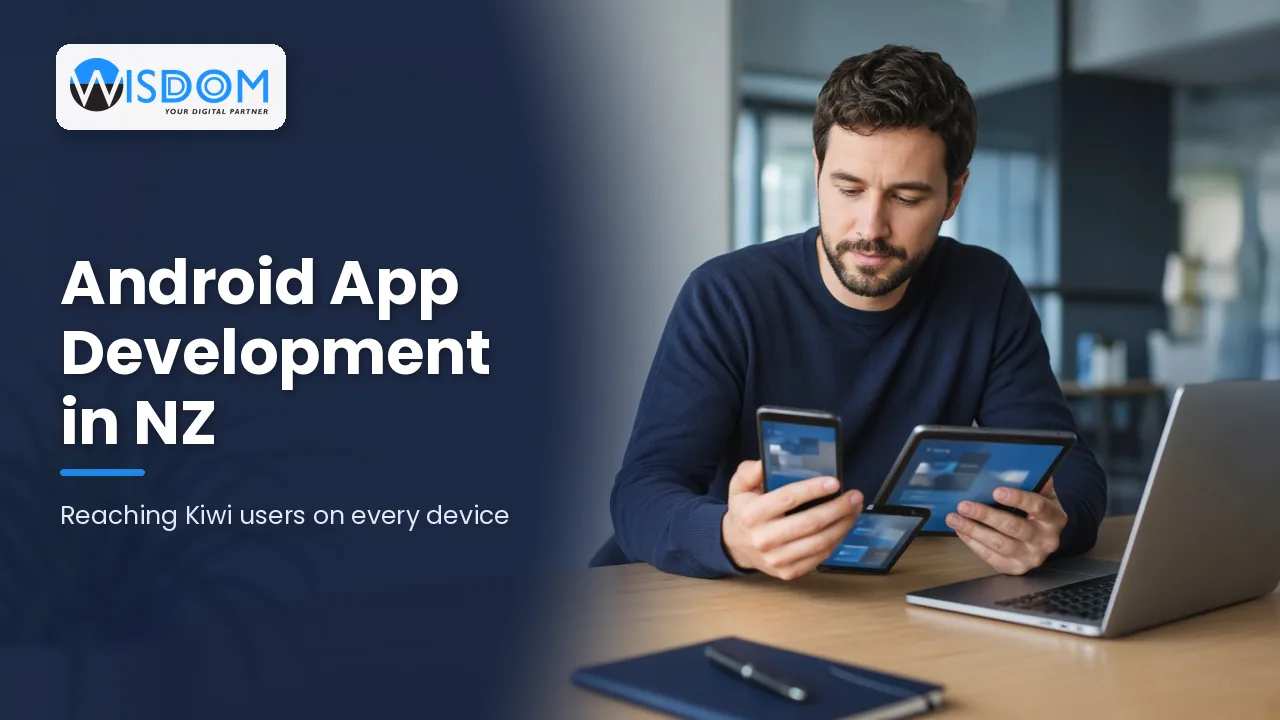
Android powers a huge variety of phones and tablets used across New Zealand, from budget handsets to premium Samsung and Google Pixel devices, rugged scanners in warehouses and tablets in retail stores. If you want your app to reach every Kiwi customer or staff member, Android app development needs to be part of the plan. This guide explains what makes Android different, how projects run, what affects cost and how to reach users on every device without blowing your budget.
Why Android app development matters in New Zealand
It is easy to assume everyone has an iPhone, especially if your leadership team does. In reality, a significant share of New Zealanders use Android phones, and Android is often the dominant platform in workplaces that rely on rugged devices, handheld scanners and company-issued phones. Leaving Android out can mean leaving out a large part of your audience.
Android apps are a strong fit for:
- Consumer apps that need to reach the broadest possible audience across all price points.
- Field service and logistics teams using rugged Android devices, barcode scanners or in-vehicle tablets.
- Retail and hospitality where Android tablets run point-of-sale, kiosks and ordering systems.
- Warehousing and inventory where staff scan stock and update systems on the move.
- Internal business tools deployed to company-managed devices through mobile device management.
What makes Android different from iOS
Device variety
Apple makes a small number of iPhone models. Android runs on thousands of devices from many manufacturers, with different screen sizes, chipsets, cameras and versions of the operating system. That variety is Android’s strength, as it reaches almost everyone, but it also means design and testing need more care.
Operating system versions
Not every Android user runs the latest version. Your developer will help you choose a minimum supported version that balances reach against development effort. Supporting very old versions can add cost for relatively few users.
Manufacturer customisations
Brands such as Samsung add their own interface layers and battery-saving rules. These can affect background tasks, notifications and location tracking, so apps that rely on those features need testing on popular devices, not just an emulator.
Distribution options
Most consumer apps are distributed through Google Play. Business apps can also be distributed privately through managed Google Play or a mobile device management platform, which is useful for staff-only tools that should never appear publicly.
Native Android or cross-platform?
Like iOS, Android apps can be built natively or with a cross-platform framework.
| Approach | Technology | Strengths | Consider when |
|---|---|---|---|
| Native Android | Kotlin with Jetpack Compose | Best performance, full hardware access, newest Android features | Your app relies on scanners, Bluetooth, background services or specialised devices |
| Cross-platform | Flutter or React Native | One codebase for Android and iOS, shared design and logic | You need both platforms and features are mostly standard |
For many NZ businesses, a cross-platform approach offers the best balance of reach and budget. If you are weighing up frameworks, our honest comparison of Flutter vs React Native is a good next read, and you can learn more about our cross-platform app development service. Where hardware integration or performance matters most, native Android app development with Kotlin is usually the safer choice.
Designing for every Android device
Good Android design is about flexibility. A layout that looks perfect on one phone can feel cramped on a small handset or stretched on a tablet.
Follow Material Design
Google’s Material Design guidelines give Android users familiar patterns for navigation, buttons, typography and motion. Following them makes your app feel at home while still reflecting your brand.
Use responsive layouts
Screens should adapt gracefully to different sizes, orientations and foldable devices. Jetpack Compose and modern cross-platform frameworks make responsive layouts much easier than they used to be.
Respect performance and data limits
Not every user has a flagship phone or fast coverage. Optimising images, caching data and supporting offline use helps your app run well on mid-range devices and in parts of the country where mobile signal is patchy.
Build in accessibility
Android’s TalkBack screen reader, font scaling and colour contrast settings help people with different needs use your app. Designing for accessibility from the start is far cheaper than retrofitting it later.
The Android development process
1. Discovery
Define your users, the devices they actually use, the problems the app solves and the systems it must connect to. For workplace apps, list the exact devices in your fleet so testing can focus on them.
2. Design and prototyping
Wireframes and clickable prototypes let you test ideas with real users before development starts, reducing expensive changes later.
3. Development
Developers build the app in sprints, alongside any backend services or APIs. Integrations with Xero, CRMs, inventory or ERP systems are common in NZ business apps.
4. Testing across devices
Testing combines emulators, cloud device labs and physical devices popular in New Zealand. It covers different screen sizes, Android versions, poor connectivity, battery-saving modes and security.
5. Release on Google Play
Apps are uploaded to the Google Play Console with a store listing, screenshots, a privacy policy and a data safety form. Google reviews apps before publishing, and new developer accounts may have extra testing requirements before a public release. Staged rollouts let you release updates to a small percentage of users first, which reduces risk.
6. Maintenance
Google regularly raises the minimum target version that apps on Google Play must support. Ongoing maintenance keeps your app compliant, secure and compatible with new devices.
What affects the cost of an Android app?
Android app costs vary widely. The main drivers are:
- Number and complexity of features, such as logins, payments, maps, chat or offline sync.
- Design effort, from standard components to a fully custom interface.
- Backend and integrations with your existing systems.
- Range of devices supported and the depth of testing.
- Whether you also need iOS, which may favour a cross-platform build.
- Ongoing support, hosting and updates after launch.
Typical market ranges in New Zealand span from modest budgets for a focused first version to much larger investments for complex platforms. The best way to get a reliable figure is a scoped estimate based on your real requirements, quoted in NZD excluding GST. Our guide to mobile app costs in NZ explains the drivers in more detail.
Security and privacy on Android
Android apps often handle personal data, locations and payments. Good practice includes encrypting sensitive data, using secure authentication, keeping third-party libraries up to date and requesting only the permissions the app genuinely needs. In New Zealand, the Privacy Act 2020 requires you to protect personal information, be transparent about how it is used and notify serious breaches. Google Play’s data safety section also requires you to disclose what data your app collects and shares.
Planning your first Android release
The most successful Android projects start small and grow with evidence. Rather than trying to match every feature of a competitor on day one, choose the two or three jobs your users most need the app to do, and make those fast, reliable and easy. Everything else can go on a roadmap for later releases.
A practical first-release checklist looks like this:
- Agree on the minimum Android version and the key devices you will test on.
- Decide how users will sign in, and whether you need single sign-on with Microsoft or Google accounts for staff apps.
- Confirm which systems the app must read from and write to, and who owns those integrations.
- Set up analytics and crash reporting so you can see how the app performs in the real world.
- Prepare your Google Play listing, privacy policy and support contact details before development finishes.
- Plan a beta period with a small group of real users, then a staged rollout to everyone else.
Following a checklist like this keeps launch day calm and gives you real data to guide the next round of improvements.
Frequently asked questions
Do I need an Android app if most of my customers use iPhones?
Check your website analytics and customer data first. Even if iPhone users are the majority, Android users are often a substantial group. A cross-platform app can reach both without doubling the budget.
Is Kotlin or Java used for Android apps?
Kotlin is Google’s preferred language for modern Android development, and most new native apps are written in it. Java is still found in older apps, which can be modernised over time.
Can an Android app work offline?
Yes. Apps can store data locally and sync when a connection returns. This is especially valuable for field teams working in rural areas with limited coverage.
Can we distribute an app only to our staff?
Yes. Internal apps can be distributed privately through managed Google Play or a mobile device management solution, so they never appear in the public store.
How long does Google Play review take?
Review times vary from hours to several days, and new developer accounts may need to complete testing steps before launching publicly. Plan some buffer into your launch date.
Can you take over an existing Android app?
Usually, yes. We start by reviewing the code, dependencies and store account, then recommend whether to improve the existing app or rebuild key parts.
Reach every Kiwi user with Android app development
Android app development opens your business to customers and staff on every kind of device. With the right approach, careful design and solid testing, your app can perform reliably from budget phones to rugged warehouse scanners. Wisdom Software designs, builds and supports Android apps as part of our wider mobile app development services.
Ready to plan your Android app? Book a free 60-minute consultation with our Auckland team and we will help you choose the right approach, scope a sensible first release and plan for long-term success.