If your website feels hard to update, slow to load or impossible to reuse across an app, kiosk or customer portal, you may have heard developers suggest a headless CMS. It is one of the most talked-about approaches in modern web development, but it is not the right fit for every business. This guide explains what a headless CMS is, how it differs from a traditional platform like WordPress, what it typically costs to run in New Zealand, and how to decide whether it suits your next website.
What is a headless CMS?
A content management system (CMS) is the tool your team uses to write, edit and publish content. In a traditional CMS, the place where you manage content and the website that displays it are tightly joined together. The “head” is the front end, the part visitors actually see.
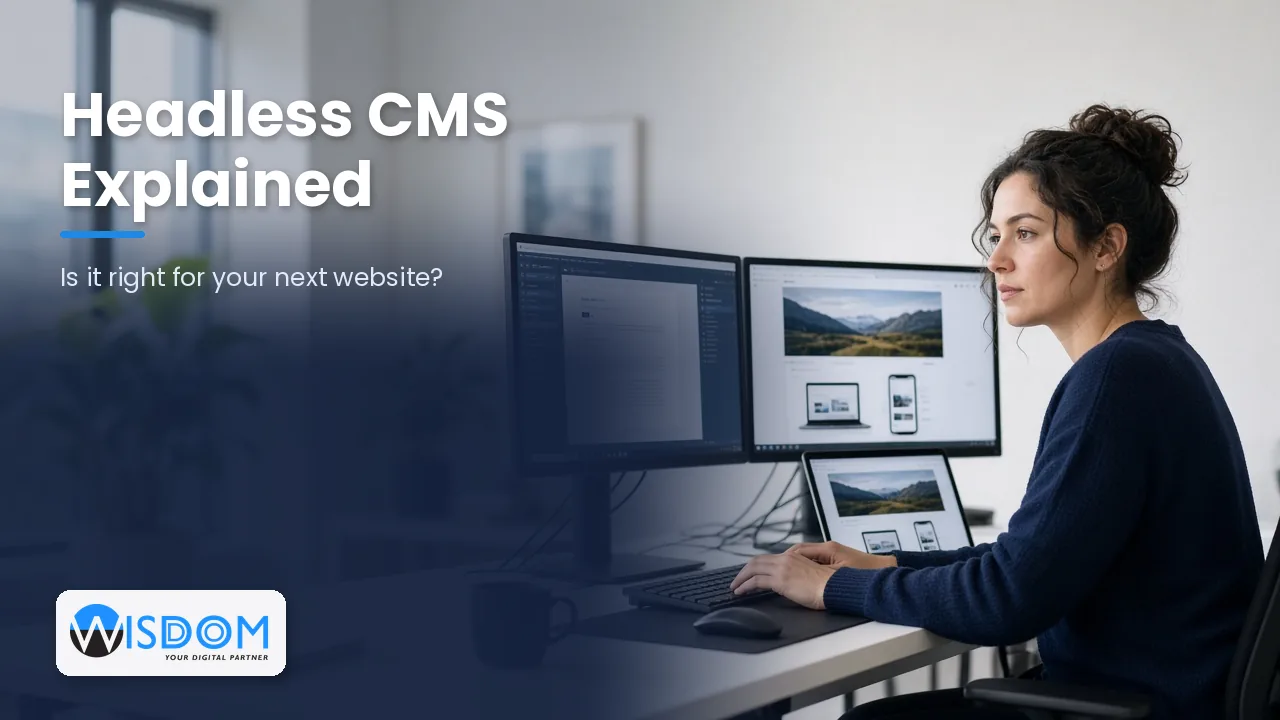
A headless CMS removes that head. It stores and organises your content, then delivers it through an API (an application programming interface) to whatever front end needs it. That might be a fast website built with a modern framework, a mobile app, a digital screen in a showroom, a customer portal or even a voice assistant. The content lives in one place, and each channel decides how to present it.
A simple way to picture it
Think of a traditional CMS as a restaurant where the kitchen and dining room are one fixed space. A headless CMS is a central kitchen that sends meals to a dining room, a food truck and a delivery service. The recipes are the same; the way they are served changes for each audience.
Headless CMS vs traditional CMS
The difference matters most when you look at how the website is built, how fast it runs and how much flexibility you need. Here is a side-by-side comparison.
| Factor | Traditional CMS (e.g. standard WordPress) | Headless CMS |
|---|---|---|
| Front end | Built-in themes and page builders | Custom front end built by developers |
| Channels | Mainly one website | Website, apps, portals and other screens from one source |
| Editing experience | Visual, what-you-see editing | Structured content fields; previews need extra setup |
| Performance | Depends on theme, plugins and hosting | Often very fast, especially with static or edge delivery |
| Security surface | Public admin area and plugins to keep patched | Admin is separate from the public site, reducing exposure |
| Upfront cost | Lower | Higher, because the front end is custom built |
| Ongoing changes | Marketers can change layouts themselves | New layouts or components usually need a developer |
Neither option is “better” in every situation. A traditional CMS is often the most cost-effective choice for a brochure website. A headless approach earns its keep when you need speed, scale or content in more than one place.
The benefits of going headless
Content once, published everywhere
If you run a website and a mobile app, or plan to add a customer portal, a headless CMS lets your team update product information, policies or news once and have it appear everywhere. This avoids the common problem of the app saying one thing and the website another.
Speed and Core Web Vitals
Because the front end is built separately, developers can use modern frameworks and pre-render pages so they load quickly. Faster sites tend to keep visitors engaged, and page experience is one of the signals search engines consider. Speed still depends on good engineering, but headless removes a lot of the plugin and theme weight that slows many traditional sites.
Stronger security posture
With the editing system separated from the public website, there is no login page sitting on your live domain for bots to attack. That does not make a site immune to risk, but it reduces the attack surface. For organisations handling personal information, it can support your obligations under the Privacy Act 2020 as part of a wider security approach.
Freedom to design without limits
Your front end is not restricted by what a theme allows. Designers and developers can build exactly the experience your customers need, including complex interactive features, without fighting a page builder.
Easier integrations
Headless systems are API-first by nature, so connecting content with other tools such as your CRM, eCommerce platform, booking system or Xero-linked workflows is usually more straightforward. Our API integration services often sit alongside headless builds for exactly this reason.
The trade-offs to be honest about
Higher upfront investment
You are effectively building two things: the content structure and a custom front end. That takes more design and development time than installing a theme.
A different editing experience
Editors work with structured fields (title, summary, image, body, related products) rather than dragging blocks around a page. Many teams come to prefer this because it keeps content consistent, but it is a change. Live previews are possible but need to be set up deliberately.
More reliance on developers
Adding a new type of page layout or component usually needs a developer. If your marketing team loves building new landing pages every week without help, plan for a good component library or consider a hybrid approach.
More moving parts to host
You will usually host the CMS and the front end separately, sometimes with a content delivery network in front. That is very manageable with good cloud and DevOps practices, but it should be planned, monitored and documented from the start.
Popular headless CMS options
There are two broad families of tools:
- Hosted (SaaS) platforms such as Contentful, Sanity, Storyblok and Hygraph. The vendor runs the infrastructure and you pay a subscription, often tiered by users, content volume or API usage.
- Self-hosted or open-source platforms such as Strapi, Directus and Payload. You control the hosting and data location, which some organisations prefer for data residency, but you take on maintenance.
- Headless WordPress, where WordPress is used only as the content back end and a modern framework powers the front end. This can suit teams already comfortable with the WordPress editor.
Common front-end frameworks for headless sites include Next.js, Nuxt and Astro. The right combination depends on your content, team skills, budget and hosting preferences.
When a headless CMS makes sense
A headless CMS is usually a strong fit when:
- You publish content to more than one channel, such as a website and a mobile app.
- Performance is critical, for example a high-traffic eCommerce or media site.
- You need complex, custom functionality that page builders struggle with.
- You plan to scale content across multiple brands, regions or languages.
- Security and separation of the editing system are high priorities.
- You want your website to integrate deeply with business systems.
When a traditional CMS is the better choice
A traditional CMS is often wiser when:
- You need a straightforward brochure site with a handful of pages.
- Your budget is tight and speed to launch matters most.
- Your marketing team needs to build and rearrange page layouts without developer help.
- You have no plans for apps, portals or other channels in the next few years.
Plenty of successful NZ businesses run excellent traditional websites. The goal is to choose the architecture that suits your needs, not the one that sounds most modern.
What does a headless website cost in New Zealand?
Costs vary widely with scope, so treat these as typical market ranges rather than quotes. A headless build generally costs more upfront than a comparable theme-based site because the front end is custom. Ongoing costs usually include CMS subscription fees (unless self-hosted), hosting for the front end, and a support or maintenance arrangement.
The bigger cost drivers are the number of content types, custom features, integrations, design complexity and whether you need previews, multiple languages or user accounts. A clear scope and phased plan keep the budget under control. All pricing discussions in NZ are typically quoted in NZD excluding GST.
How to plan a headless CMS project
- Map your content. List every content type (services, case studies, team profiles, products, FAQs) and the fields each one needs.
- Identify your channels. Website only for now, or an app and portal later? Design the content model with future channels in mind.
- Choose the stack. Select a CMS and front-end framework based on editor needs, hosting preferences and budget.
- Design a component library. Reusable sections give editors flexibility without needing a developer for every page.
- Plan SEO from day one. Make sure meta titles, descriptions, structured data, sitemaps and redirects are handled properly in the new front end.
- Set up previews and workflows. Give editors confidence by letting them preview changes and approve content before it goes live.
- Train your team. A short training session and simple documentation make adoption much smoother.
If you are weighing up your options, our web development team can help you compare a headless build with a traditional or hybrid approach.
Frequently asked questions about headless CMS
Is a headless CMS good for SEO?
Yes, when it is built properly. Headless sites can be very fast and fully crawlable, but SEO features such as meta tags, sitemaps, canonical URLs and structured data must be built into the front end rather than added through a plugin.
Can I still use WordPress as a headless CMS?
You can. Headless WordPress keeps the familiar editor for your team while a modern framework delivers the public site. Some plugins that rely on the front end will not work, so it needs careful planning.
Will my marketing team find it harder to use?
It is different rather than harder. Editors fill in structured fields instead of designing pages freehand. With a good component library and live previews, most teams adapt quickly and appreciate the consistency.
Is a headless CMS more secure?
It reduces exposure because the editing system is separate from your public website, but security still depends on good hosting, access controls, updates and monitoring.
How long does a headless website take to build?
Timelines depend on scope. A focused marketing site may take a couple of months, while a site with many integrations or multiple channels can take longer. Content preparation is often what sets the real pace.
Can we move to headless later?
Yes. Many businesses start with a traditional site and move to headless when they add an app or outgrow their theme. Structuring content well today makes that move easier.
Find the right fit for your next website
A headless CMS can give you a faster, more secure and more flexible website, but it is an investment that should match your goals. Wisdom Software helps NZ businesses choose and build the right architecture, from simple websites to multi-channel platforms connected to the systems they already use.
Not sure if headless is right for you? Book a free 60-minute consultation and we’ll talk through your content, channels and budget to recommend the best approach.