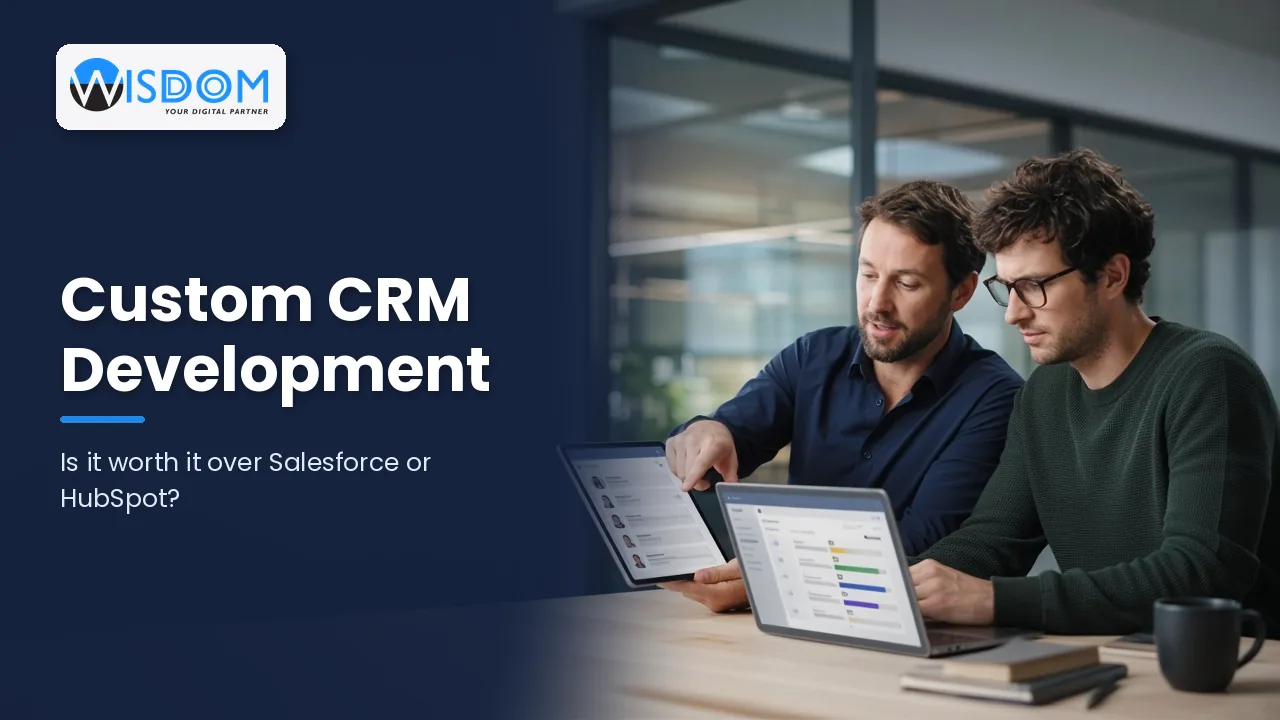
Your customer relationship management system sits at the centre of how you win and keep business. It holds your contacts, deals, conversations and service history, and when it fits well, everyone from sales to support works faster. When it fits badly, staff work around it with spreadsheets and sticky notes. That is why many NZ businesses eventually ask whether custom CRM development is worth it compared with established platforms like Salesforce or HubSpot.
The honest answer is that it depends on how you sell, how unique your processes are and how much you are willing to adapt to someone else’s software. This guide sets out the strengths of each option, the signs that a custom CRM makes sense, what a build involves and how to make a decision you will not regret in three years’ time.
What a CRM really needs to do for your business
Before comparing products, it helps to be clear about the job. At a minimum, a good CRM should:
- Keep a single, accurate record of every customer, contact and organisation.
- Track leads and deals through your sales stages.
- Record emails, calls, meetings and notes so anyone can pick up a conversation.
- Automate follow-ups, reminders and routine updates.
- Connect with your accounting, website, marketing and service tools.
- Provide reporting that helps you forecast and make decisions.
- Protect customer data in line with the Privacy Act 2020.
Most CRMs on the market can do these things. The differences show up in how well they handle the parts of your process that are not standard.
The case for Salesforce, HubSpot and other off-the-shelf CRMs
Established CRM platforms are popular for good reasons:
- Fast to start. You can sign up and begin adding contacts quickly.
- Mature features. Pipelines, email tracking, marketing tools and reporting are already built and tested.
- Large ecosystems. Marketplaces offer integrations with thousands of other apps, including Xero.
- Continuous updates. The vendor improves the product and handles hosting and security.
- Plenty of expertise. Consultants, training material and experienced users are easy to find.
For many businesses with a conventional sales process, a well-configured off-the-shelf CRM is the right choice. Starting there and customising within the platform is often the sensible first step.
Where off-the-shelf CRMs can fall short
The same platforms can become frustrating as your needs grow or diverge from the template:
- Per-user pricing. Subscription costs typically scale with users and feature tiers, which can become a significant line item as your team grows.
- Paying for unused features. You may need a higher tier for one capability while most of the package goes unused.
- Forcing your process into theirs. Industry-specific workflows can require complex configuration or awkward workarounds.
- Integration limits. Connecting to older or bespoke systems can be difficult or require paid add-ons.
- Complexity creep. Heavily customised platforms can become hard to maintain without specialist help.
- Vendor dependency. Price changes, product decisions and data export options are ultimately in the vendor’s hands.
What custom CRM development offers
A custom CRM is built specifically for your business, around your data, your sales and service process and the systems you already use. Benefits include:
- A perfect process fit. Screens, fields and workflows match how your team actually works.
- Only what you need. A simpler interface often leads to better adoption and cleaner data.
- Deep integration. Your CRM can talk directly to your ERP, job management, inventory, booking or portal systems.
- Ownership. With the right contract, you own the code and the roadmap, and you are not tied to per-user licence increases.
- Competitive advantage. If your customer experience is what sets you apart, your CRM can be built to support it.
There are trade-offs. A custom build has a higher upfront cost, takes longer to deliver than signing up for a platform, and needs ongoing maintenance and support. It also requires a reliable development partner and clear requirements. Our article on custom software vs off-the-shelf explores these trade-offs more broadly.
Side-by-side comparison
| Factor | Off-the-shelf CRM | Custom CRM |
|---|---|---|
| Time to start | Days to weeks | Typically a few months for a first release |
| Upfront cost | Low | Higher, quoted as a project |
| Ongoing cost | Subscriptions that grow with users and tiers | Hosting, support and improvements |
| Process fit | Good for standard processes | Built around your exact process |
| Integrations | Strong for popular apps | Built for your specific systems |
| Ownership | Vendor owns the platform | You can own the code and data |
| Maintenance | Handled by the vendor | Handled by you or your development partner |
Signs custom CRM development is worth considering
A custom CRM tends to make sense when several of these are true:
- Your sales or service process is unusual for your industry and platforms need heavy workarounds.
- Your team spends significant time re-keying data between the CRM and other systems.
- Licence costs are rising and you are paying for features you do not use.
- You need customers, suppliers or partners to log into a portal connected to the CRM.
- Your CRM is really part of a bigger operational system, such as job management or dealer software.
- Data ownership, hosting location or security requirements rule out some platforms.
If only one or two apply, configuring or extending an existing platform may be the better value. Many businesses take a hybrid route, keeping a platform such as HubSpot for marketing while using custom API integration services to connect it to their operational systems.
What a custom CRM project involves
Discovery and requirements
Map your customer journey, sales stages, data and integrations. Talk to the people who will use the system every day. A clear brief keeps the project focused and the budget under control.
Design and prototyping
Wireframes and clickable prototypes let your team test the layout and workflow before any code is written, which is far cheaper than changing direction later.
Build in stages
Start with a core release covering contacts, pipeline and the most important integrations, then add features based on real feedback. An experienced custom software development team will work in short cycles so you see progress regularly.
Data migration
Plan how to clean and move data from spreadsheets or your old CRM. Migration is often underestimated, so allow time for de-duplication and testing.
Training and support
Adoption is what makes a CRM succeed. Train users, gather feedback and agree an ongoing support plan. A browser-based CRM built with modern web development practices also works well on tablets and phones for staff on the road.
Questions to ask before you decide
Whichever direction you are leaning, working through a few practical questions with your team will sharpen the decision:
- What does our sales and service process look like today? Write it down step by step, including the exceptions, and note where the current tools slow people down.
- Which systems must the CRM talk to? List your accounting, website, email, phone, inventory and job management tools, and how data should flow between them.
- How many people will use it in three years? Growth plans change the cost picture for per-user licences considerably.
- Who will own and maintain it? A platform still needs an administrator, and a custom system needs a reliable support arrangement.
- What would we lose if the vendor changed its pricing or product? This helps you judge how much control matters to you.
Clear answers to these questions often make the choice obvious, and they form the basis of a strong brief whichever route you take.
Thinking about cost
We cannot give a meaningful price without understanding your requirements, but a few principles help. As a typical guide, off-the-shelf costs are mostly ongoing subscriptions, while custom CRM development is mostly an upfront project investment in NZD excluding GST, plus hosting and support. To compare fairly, estimate the total cost of each option over three to five years, including licences, add-ons, consultants, integration work and staff time lost to workarounds.
Frequently asked questions
Is a custom CRM better than Salesforce or HubSpot?
Not automatically. Off-the-shelf CRMs suit many businesses well. A custom CRM is better when your process, integrations or cost structure make platforms a poor fit.
How long does custom CRM development take?
It depends on scope. A focused first release can often be delivered within a few months, with further features added in later stages.
Can a custom CRM integrate with Xero and our website?
Yes. Custom CRMs can connect to Xero, website forms, email platforms and most systems that offer an API, so data flows without manual entry.
Who owns a custom CRM?
Ownership depends on your contract. Make sure your agreement clearly assigns ownership of the code and data to your business and includes handover of source code.
Can we move from HubSpot or Salesforce to a custom CRM later?
Yes. Both platforms let you export data, which can be cleaned and migrated into a custom system. Planning the migration carefully avoids losing history.
Is a custom CRM secure?
A well-built custom CRM can be very secure, with role-based access, encryption, audit logs and hosting chosen to meet your Privacy Act 2020 obligations.
Make the right call for your business
Custom CRM development is worth it when your customer process is what makes you different and off-the-shelf tools keep getting in the way. If a platform fits with light configuration, that is often the smarter choice. The key is to compare honestly, over the long term, based on how your team really works. If you would like an independent view, book a free 60-minute consultation with our Auckland team and we will help you weigh up the options.